Pick a frame
Choose one of six Y2K frames and four webcam filters.
smile, you're so y2k est. 2000
Use your webcam, pick a Y2K frame and one of four webcam filters, then smile four times. Your 4-cut strip is ready in about 60 seconds — no app, no signup, and photos stay on your device.
4 shots · 60 seconds · no signup · photos stay on your device

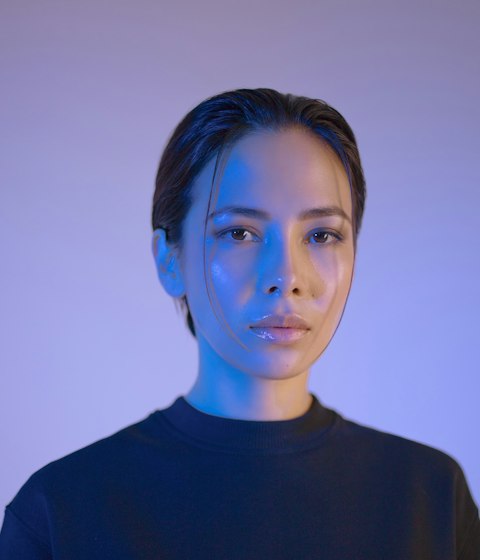
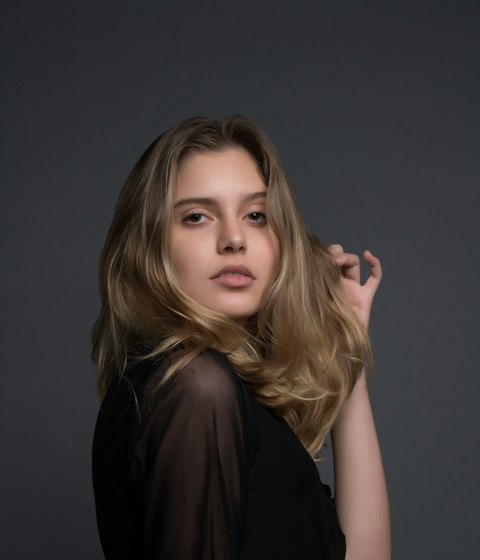

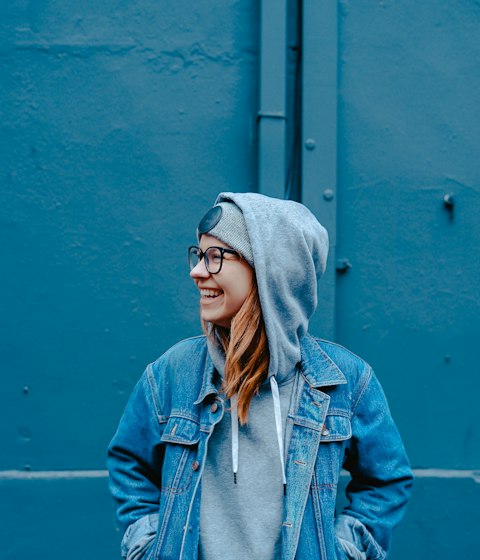
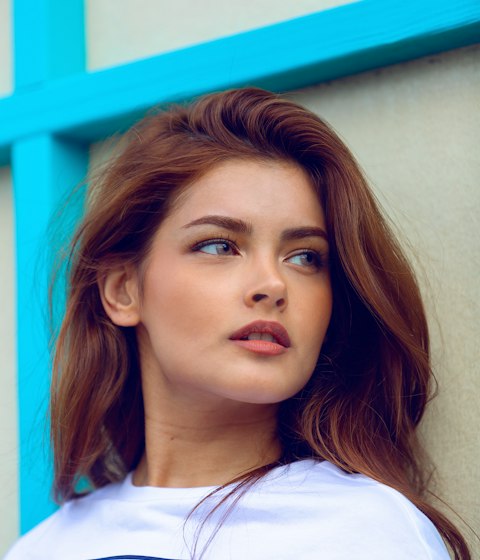
your strip, but iconic ✦
HOW IT WORKS
From frame to download in about 60 seconds.
Choose one of six Y2K frames and four webcam filters.
The 3-2-1 countdown captures four shots for your 4-cut strip.
Download an HD PNG in seconds — no app, no signup, photos stay on your device.
THE JOURNAL
Guides, pose ideas, webcam filters and Y2K photo strip inspiration.
An online photobooth lives in a browser tab instead of a physical box. Here is how it works, what happens to your photos, and how it stacks up against apps and physical booths.
READ STORY →Y2KIBOOTH has four webcam filters: OG, Chrome, Sunset, and Noir. Here is what each one actually changes and which to pick for your room.
READ STORY →Twelve photo booth poses grouped into three sets of four, so your 4-cut strip reads as a short sequence instead of four unrelated selfies.
READ STORY →✦ FAQ
Everything you might want to know before you strike a pose.
About 60 seconds: 3-2-1 auto-capture takes four shots, then you pick a filter and download. No signup or booking — just press start. Weekends can get busy, so you might wait for the booth.
No. Capture, filters and the strip are processed entirely in your browser. Your photos never leave the device and nothing is uploaded. Closing the page releases the camera immediately.
A four-shot vertical strip as an HD PNG (600 × 1722), ready to download the moment the countdown ends. All six frames and four webcam filters are available inside the booth. Files are yours — no watermark, no expiry.
iOS 15+, Android 10+, and the latest Chrome, Safari or Edge on desktop. You'll need to allow camera access on your first visit; HTTPS or localhost is recommended.
Yes. Birthdays, weddings, brand pop-ups and campus events can get custom frames. Use the feedback button to send your date and location.
Open the booth and tap one of the six color chips under FRAME — CHROME, BUBBLE, LILAC, LIME, MIDNIGHT, GLITCH. The label and the strip update instantly, so you can switch between shots.
Four live webcam filters — OG, Chrome, Sunset and Noir — plus six Y2K frames. Pick a filter before the countdown; it applies to the live webcam feed before each of the four shots.
Yes. Download the PNG and print it at 2 × 6 inches (matte paper looks closest to a film strip). A 4 × 6 inch print fits two strips side by side.
Still curious? Use the Feedback button to reach us.